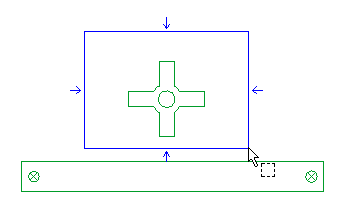
After starting the Move Copy Entities command, to apply a translation, proceed as follows:
| 1 | Select the entities you want to apply the transformation to using a window selection.![]() The set of handles is displayed (for details on the handles, see the description of the Move Copy Entities command). ![]() As you selected a set of entities, the origin of the transformation is placed in the center of the viewport. |
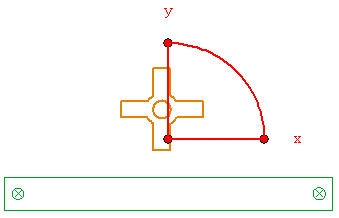
| 2 |
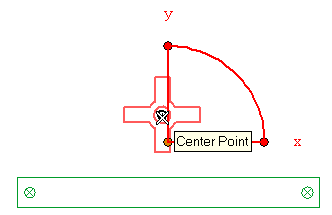
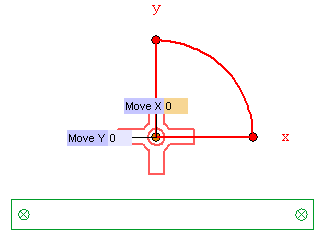
To define a different starting point, click on Handle Origin in the selection list to expand it, right-click on Start point and select Reset in the context menu. Click on Start point and then specify the center of the circle.![]() The origin of the transformation is moved onto the center of the circle.
|
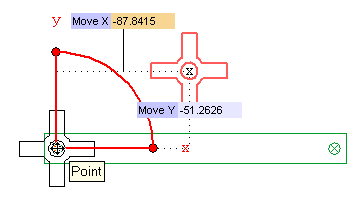
| 3 | To translate the selected entities, drag the handle corresponding to the origin to the point on the left side of the bar, as in the following illustration.
![]() Please note that a dynamic preview mechanism is provided, so that you can interctively check the new current position of the selected entities. |
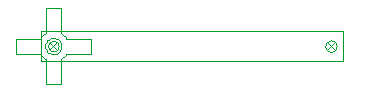
| 4 | Click to confirm.
![]() |