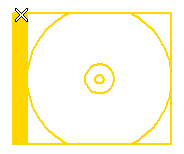
To change the selected group, right-click on Group, select Reset in the context menu and select another group.
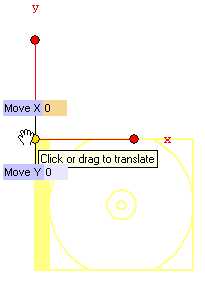
To move the group origin to a new position, drag the handle to the new position and drop it there.
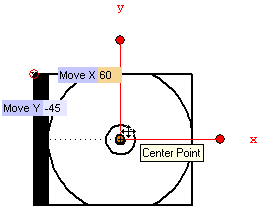
Alternatively, you can type the translation values to be applied to the origin into the Move X and Move Y boxes.
Finally, to translate the origin along the X or Y direction, drag the handles on the end points of the two red lines or type the translation value into the Delta X or Delta Y boxes which show up as you select the corresponding handle.
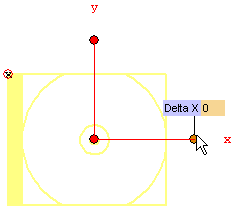
To change the new position of the origin, right-click on End point, select Reset in the context menu and specify another position.
 or
or  to confirm and move the origin to the new position.
Click
to confirm and move the origin to the new position.
Click  to discard your changes and leave the origin where it is.