| 1 | Click the line number corresponding to the variable you wish to assign.. |
| 2 | In the Assign drop-down list, select Dimension/Feature/Component. |
| 3 |
The program prompts you to select an entity. Click on the X-reference component to which you wish to assign the variable.
|
| 4 | Click Rebuild. |
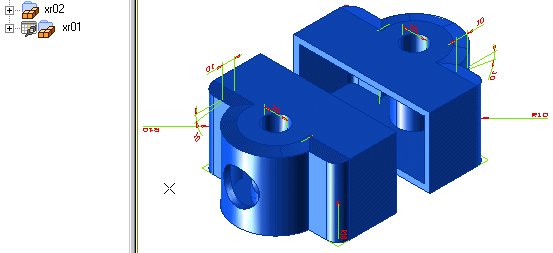
The Model Structure displays a specific icon (looking like a small "spreadsheet"), adjacent to the corresponding item.To deassign a variable from an X-reference component:
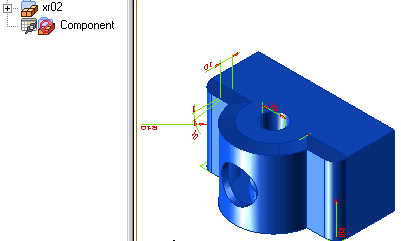
If you change the value of the variable to 0, the component is unloaded and the Model Structure changes as follows:
| 1 | Click Deassign. | |
| 2 | The program prompts you to select an entity. Click to select the X-reference component from which you wish to deassign the variable. |