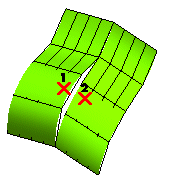
If a surface is not a NURBS, you will be asked for a confirmation to convert it into a NURBS (unless you have deselected the Ask before converting check box).
| Not enabled | The two surfaces are be simply joined: their degree is not be raised and continuity along the common border will be only positional. The image on the right enable you to appreciate the resulting surface boundaries.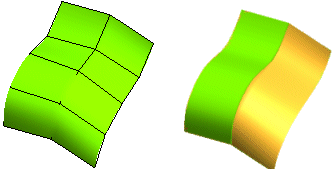 |
| Fixed boundary | The surfaces are joined in such a way that their shape is modified to obtain slope continuity. In the example below, the degree of the surfaces is raised to allow modification of the interior.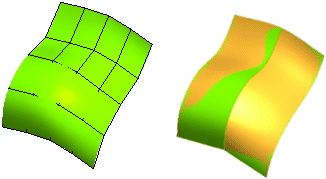 |
| Movable boundary | The surfaces are joined in such a way that the border between one surface and the other has a uniform curvature. Also in this case, the degree of the surfaces is raised to allow modification of the interior.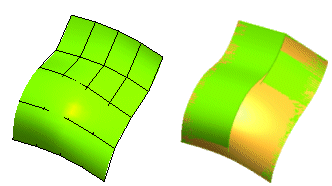 |
 or
or  to confirm and create the final surface or click
  to discard your changes.