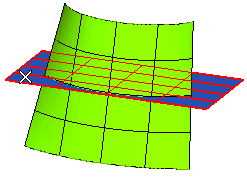
To change the selected limit surface, right-click on Limit Surface, choose Reset in the context menu and select another surface.
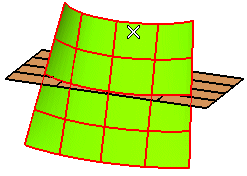
To change the selected surfaces, right-click, select Reset Current Selection and select other surfaces.
End selection by right-clicking and selecting Continue
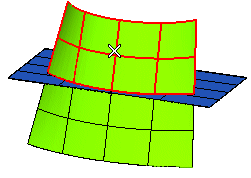
To change the selected regions, right-click, select Reset Current Selection and select other regions.
 or
or  to confirm your selections and cut the surfaces.
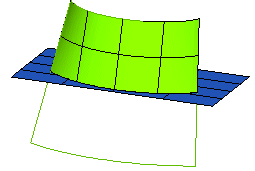
Click
 to discard your changes.