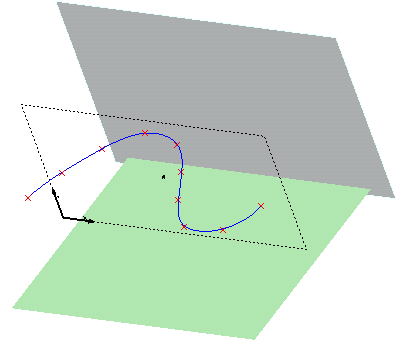
In this example, you are explained about how to project the points along the Z axis.
| 1 | Open the file called pt_07_03.e3.
In this example, you are explained about how to project the points along the Z axis. |
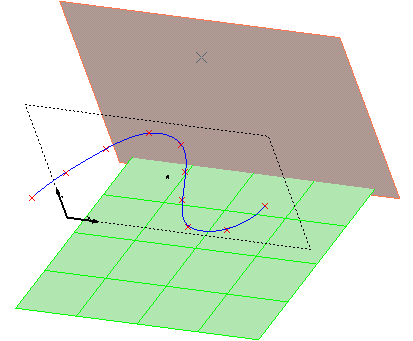
| 2 | To do this, start the Project command and you are asked to select the points you want to project. |
| 3 | In this case, after selecting the points and the projection surface, select the Pierce option from the Direction drop-down list. Once you select this option, you will see one more Direction drop-down list, under this option. Now, select the Z option from this drop-down list. |
| 4 | Select a suitable projection surface. |
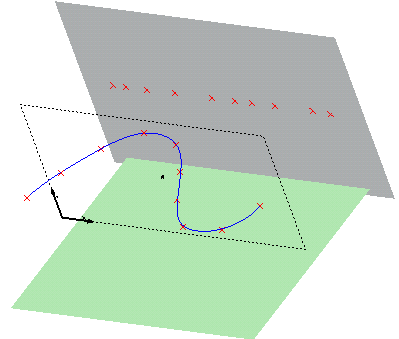
| 5 | The points are projected along the Z axis. |