

Modify MeshSplit Edges
The Split Edges command enables you to split the edges of a triangular mesh. The original edge will be cut. The inserted node is connected to the opposite nodes in the adjacent triangles.
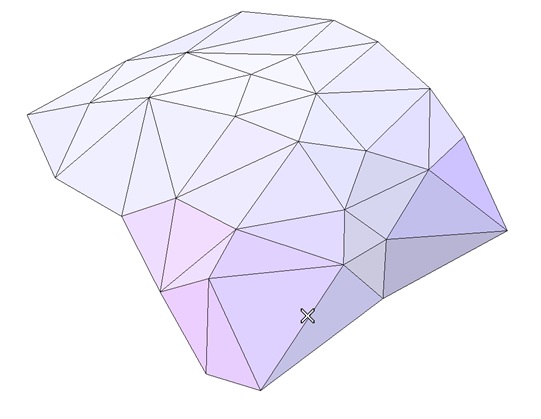
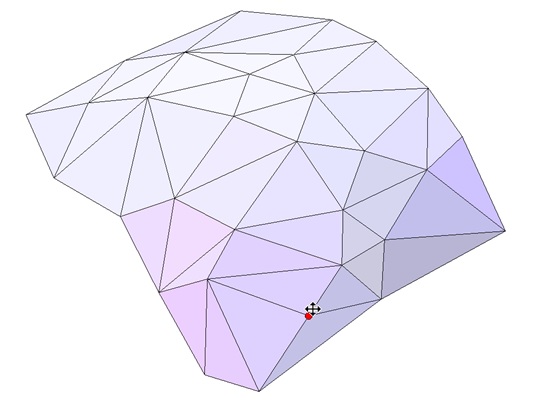
The Edges selector is active. Pick the edges you want to split. Then a handle appears to change interactively the cut location by dragging or by typing in the new value. It is useful for improving local mesh quality.
| Pick the edge to split | Drag the handle to move cut location |
 |
 |