| 1 |
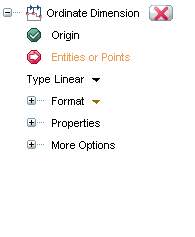
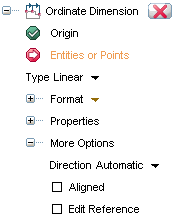
As soon as you choose the Origin, the Edit Reference checkbox appears in the selection list.
|
| 2 |
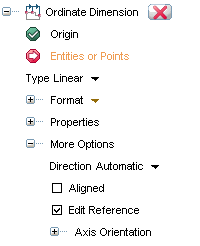
Using the Axis Orientation option, you can modify the reference point. The Axis Orientation option will show up as soon as you select the Edit Reference checkbox.
|
| 3 |
The reference point can be modified either by rotating the handle or by changing the axis orientation of X or Y axis. A combo box, having three possible options is available for both the axes. The options are:
| Line |
Helps you to modify the reference axis by selecting a Line.
|
| 2 points |
Helps you to modify the reference axis by choosing two points.
|
| End point |
Helps you to modify the reference axis by choosing an end-point.
|
|
4 |
You can modify the reference point at any time and the dimensions that are created till that stage will get aligned to the new Orientation.
|